Testing on Mobile
Start building awesome mobile apps in Python using just your computer and mobile phone!
- Make sure your computer fulfills these requirements.
- Your device and computer must be connected to the same Wi-Fi or local network.
- We recommend starting from an app scaffolded with
flet create, so that its dependencies are already set up.
- iOS
- Android
Install the Flet iOS app on your iOS device. You will be using this app to see how your Flet project is working on iPhone or iPad.

Run the following command to start Flet development server with your app:
- uv
- pip
uv run flet run --ios [script]
flet run --ios [script]
Install the Flet Android app on your Android device. You will be using this app to see how your Flet project is working on Android device.

Run the following command to start Flet development server with your app:
- uv
- pip
uv run flet run --android [script]
flet run --android [script]
A QR code with encoded project URL will be displayed in the terminal:
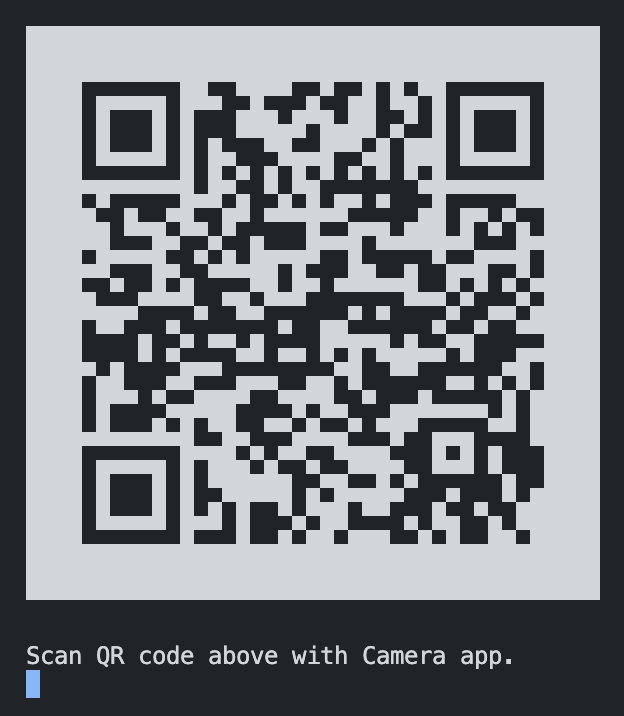
On iOS, open the Camera app and scan the QR code. On Android, use the Camera app or a QR code scanner. Tap the link to open your project in the Flet app.
Try updating your [script] - the app will be instantly refreshed on your device.
To return to "Home" tab either:
- Long-press anywhere on the screen with 3 fingers or
- Shake your device.
You can also "manually" add a new project by clicking "+" floating action button in the app and typing in its URL.
- Below is a URL to a "Counter" Flet app that we hosted for testing purposes:
https://flet-counter-test-ios.fly.dev
- The "Gallery" tab of the app has some more examples that you can try out.
- Explore Flet examples for even more examples.