Introduction
Flet is a Python framework for building web, desktop, and mobile apps without prior experience in frontend development. Use ready-made controls to create your interface, connect your Python libraries and application logic, and handle user interactions without writing HTML, CSS, or JavaScript.
Start with a UI for a script or build a complete application with multiple screens. Develop with hot reload, try your app on your phone, and package it for Windows, macOS, Linux, iOS, or Android, or publish it to the web.
Try Flet in your browser
Flet Studio lets you create and run Flet apps in your browser without installing anything. Write Python, customize a gallery example, or describe your idea to the AI agent and build from there.
This small counter app displays a number and increments it when you press +:
import flet as ft


def main(page: ft.Page):
    counter = ft.Text("0", size=50, data=0)

    def increment_click(e):
        counter.data += 1
        counter.value = str(counter.data)

    page.floating_action_button = ft.FloatingActionButton(
        icon=ft.Icons.ADD, on_click=increment_click
    )
    page.add(
        ft.SafeArea(
            expand=True,
            content=ft.Container(
                content=counter,
                alignment=ft.Alignment.CENTER,
            ),
        )
    )


ft.run(main)
Try Flet on your phone
Install the Flet app from the App Store or Google Play and explore its built-in Gallery to try controls and example apps on your device.
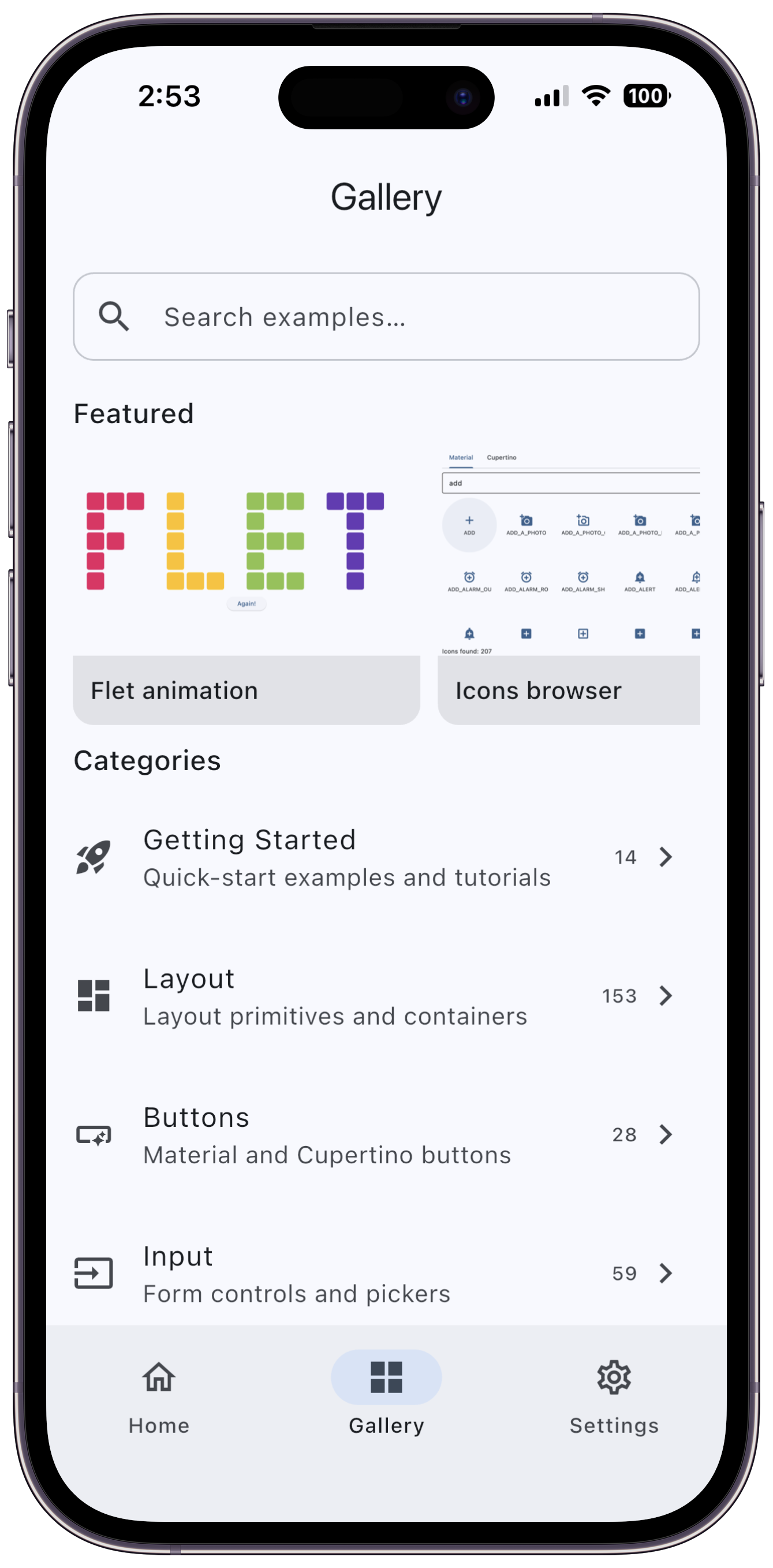
When you're ready to try your own code, connect your phone to your development app and see it refresh as you make changes.
Try Flet on your desktop
To develop locally, install Flet, create a project, and run it. Your app opens in a desktop window and reloads when you save changes.
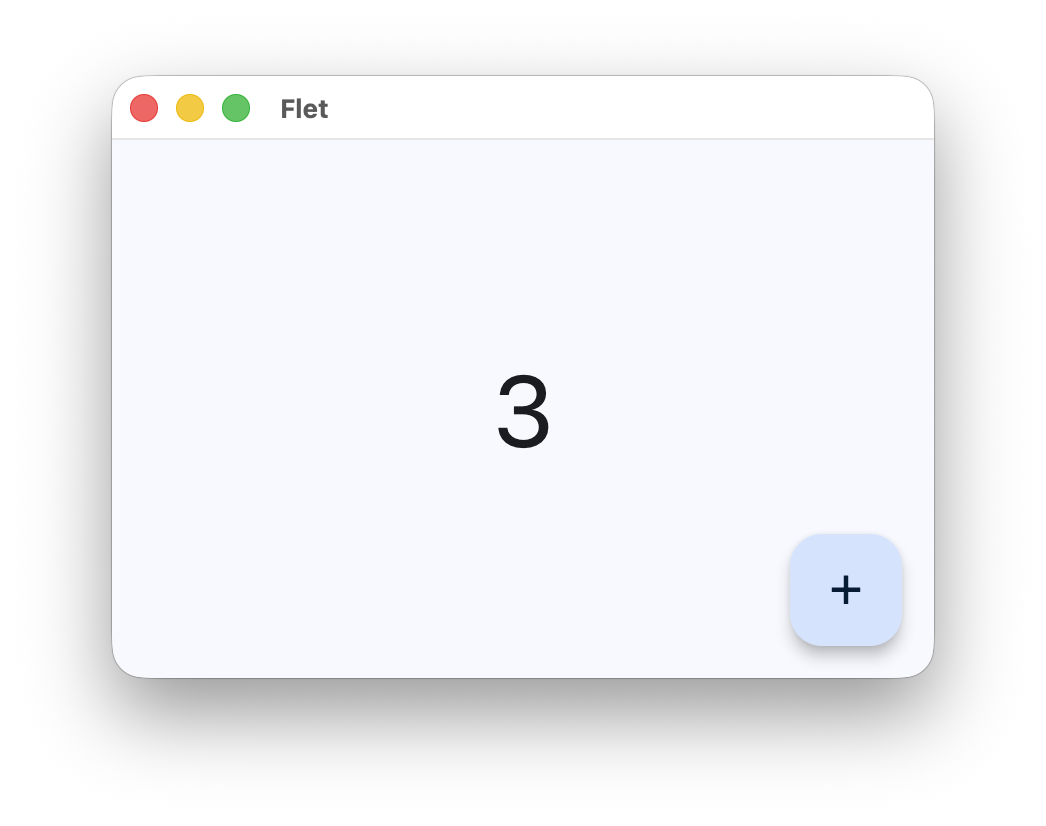
Already have uv? Run this in your terminal to open a minimal Flet app without creating a project:
- Bash
- PowerShell
uvx --with flet-desktop -- python <<'PY'
import flet as ft

def main(page: ft.Page):
    page.add(ft.Text("Hello from Flet!"))

ft.run(main)
PY
@'
import flet as ft

def main(page: ft.Page):
    page.add(ft.Text("Hello from Flet!"))

ft.run(main)
'@ | uvx --with flet-desktop -- python -